Open Chat.
Sign in to use your account’s models, tools and conversation history. Check your available allowance in the app.
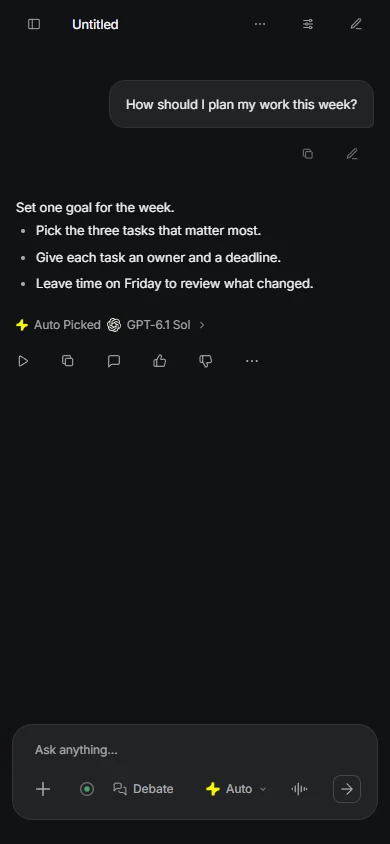
A question, a draft, a piece of code. You don’t need the perfect prompt to begin.
Sign in to use your account’s models, tools and conversation history. Check your available allowance in the app.
Describe the task, add useful context and mention the format you want. Leave Auto selected to help choose a model.
Ask a follow-up, add a missing detail or request a simpler explanation. Check important facts and save the results you want to keep.
Start with browser Chat. The desktop app and VS Code extension are coming 1 December 2026; neither is available before launch.

Kakon for VS Code is coming 1 December 2026. No access before launch. It requires VS Code 1.95 or newer, one local folder and Projects account access.
Read editor setupThe desktop app is coming 1 December 2026. Downloads and access are not available before launch.
Check Projects accessCheck files before attaching them and keep your own copies of important work. Learn how Kakon processes context and how to export or delete account data.
Your data and controlsOur support centre covers accounts, model choice, payments and common problems.
Find an answer