Share allowance. Keep chats private.
A practical introduction to Team Pool for small teams on Max.
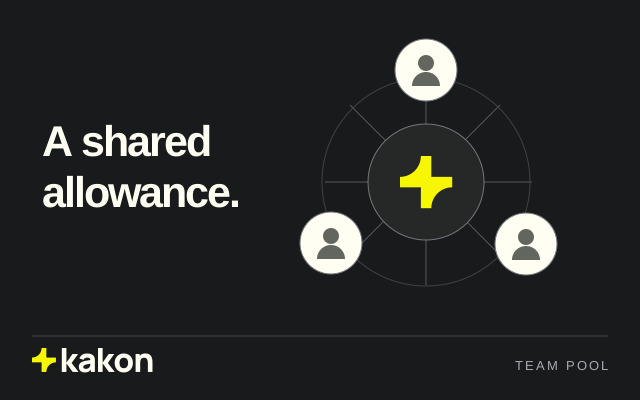
A small team may need a shared allowance while working on different tasks. Team Pool lets members use a Max allowance with individual spending controls.
The owner manages invitations, limits and permissions. Members keep their own chat histories; spending controls do not give the owner access to personal conversations.
Put it into practice
The owner manages invitations, limits and permissions while members use the shared allowance.
- On Max, open Team Pool from the account menu.
- Create the team and invite members, up to five seats in total.
- Set member spending controls; each person uses their own chat history.
Keep this in mind
Agree on how your team will use the shared allowance, then set member spending controls. Max supports up to five seats in total, including the owner.
Read the full product guide